LinkedIn banner size
The recommended LinkedIn profile banner size is 1584 × 396 pixels (4:1 aspect ratio).
Last updated:
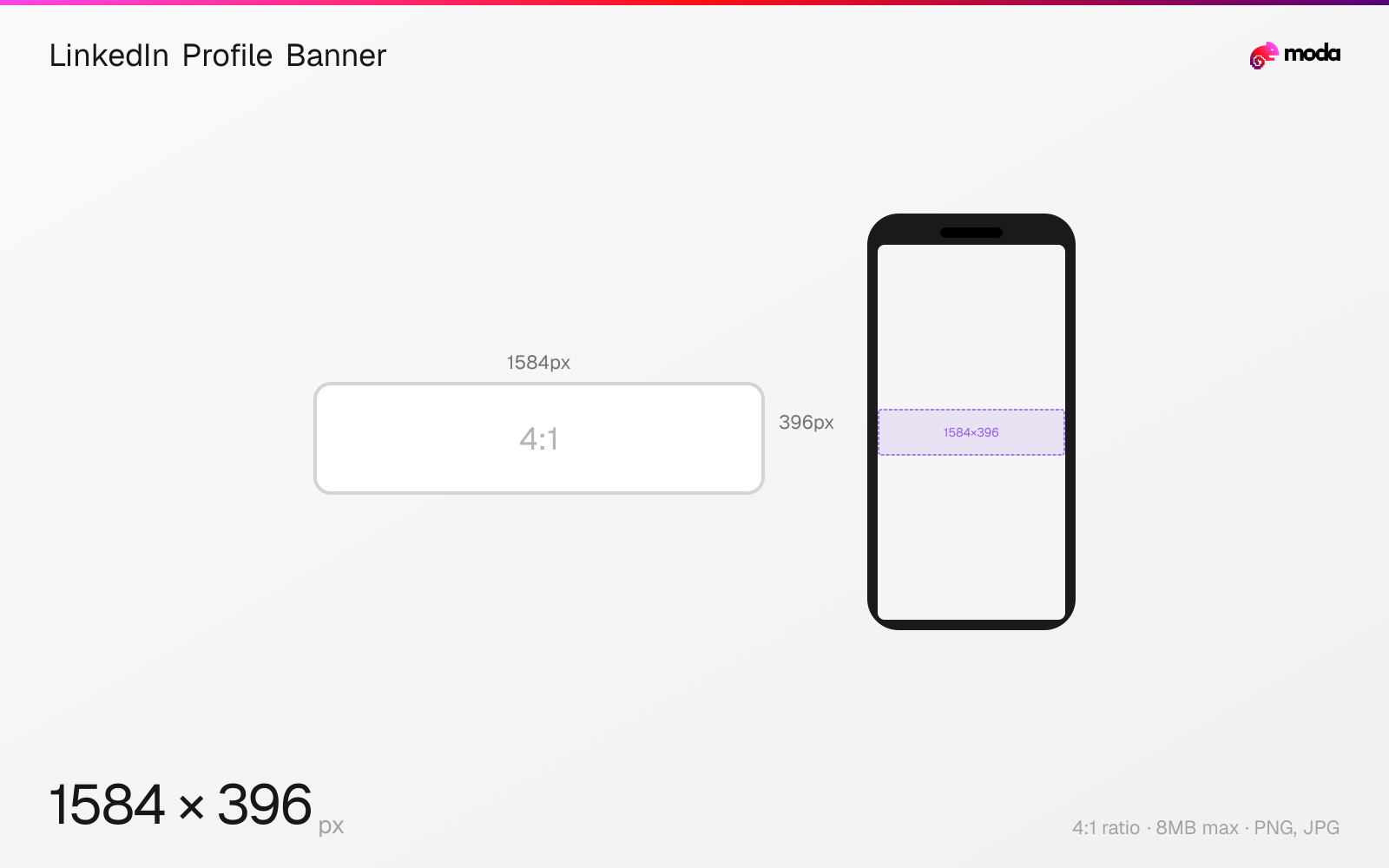
Specifications
| Spec | Value |
|---|---|
| Dimensions (px) | 1584 × 396 px |
| Aspect ratio | 4:1 |
| Max file size | 8MB |
| Supported formats | PNG, JPG |
| Minimum resolution | 1584x396 |
| Color mode | sRGB |
Design at this size with Moda
Start with a canvas pre-set to 1584×396px and let AI generate your design.
Create a LinkedIn profile banner →Design tips
LinkedIn profile banners (cover photos) are 1584×396 pixels with a 4:1 aspect ratio. The banner sits behind your profile photo, headline, and connection count. Upload at the full 1584×396px resolution using PNG for graphics with text or JPG for photos, and keep the file size close to the 8MB limit to minimize compression artifacts.
- •Design at 1584×396px and upload as PNG for graphics with text, or JPG for photos. Keep file size close to the 8MB limit to reduce compression artifacts.
- •Keep text and logos at least 300px from the left edge and 80px from the bottom — your profile photo covers roughly 200×150px in the bottom-left corner on desktop, and more on mobile.
- •Test on mobile — LinkedIn crops the banner more aggressively on phones, showing mainly the center.
What you need to know
The LinkedIn banner is the largest visual element on your personal profile. It spans the full width of the profile page on desktop, but on mobile it's cropped more aggressively — typically showing only the center portion. Design with the most important elements centered horizontally for cross-device compatibility.
Your circular profile photo overlaps the bottom-left corner of the banner — approximately 200px from the left edge and 150px from the bottom on desktop. On mobile, the profile photo is proportionally larger and covers more of the banner. Any text, logos, or key graphics in the bottom-left will be hidden. Keep important content at least 300px from the left edge. The safest text placement is in the center-right portion of the banner, roughly a 1000×250px area.
LinkedIn doesn't officially support animated banners or video backgrounds. The maximum file size is 8MB, and only PNG and JPG are accepted. LinkedIn compresses uploads aggressively, so use PNG for graphics with text (sharper edges) and keep the file size close to the 8MB limit for the best quality after compression.
How to create a LinkedIn profile banner at the right size
- 1Open Moda and create a new canvas at 1584×396 pixels.
- 2Design your LinkedIn profile banner using AI generation or start from a blank canvas.
- 3Export as PNG and upload to LinkedIn.
Frequently asked questions
What size is a LinkedIn banner?
LinkedIn profile banners are 1584×396 pixels with a 4:1 aspect ratio. Upload at the full resolution using PNG or JPG, keeping the file size close to the 8MB limit for best quality.
Why does my LinkedIn banner look blurry?
Upload at the full 1584×396px resolution. Use PNG for graphics with text (resists compression better), JPG for photos. Keep file size close to the 8MB limit — LinkedIn compresses uploads aggressively, so larger source files retain more quality.
What's the difference between a personal and company LinkedIn banner?
Personal banners are 1584×396px (4:1). Company page banners are 4200×700px (6:1) — significantly wider. They use different dimensions and are not interchangeable.
Same format on other platforms
Sources
Specs last verified: March 22, 2026. Dimensions may change as platforms update their requirements.